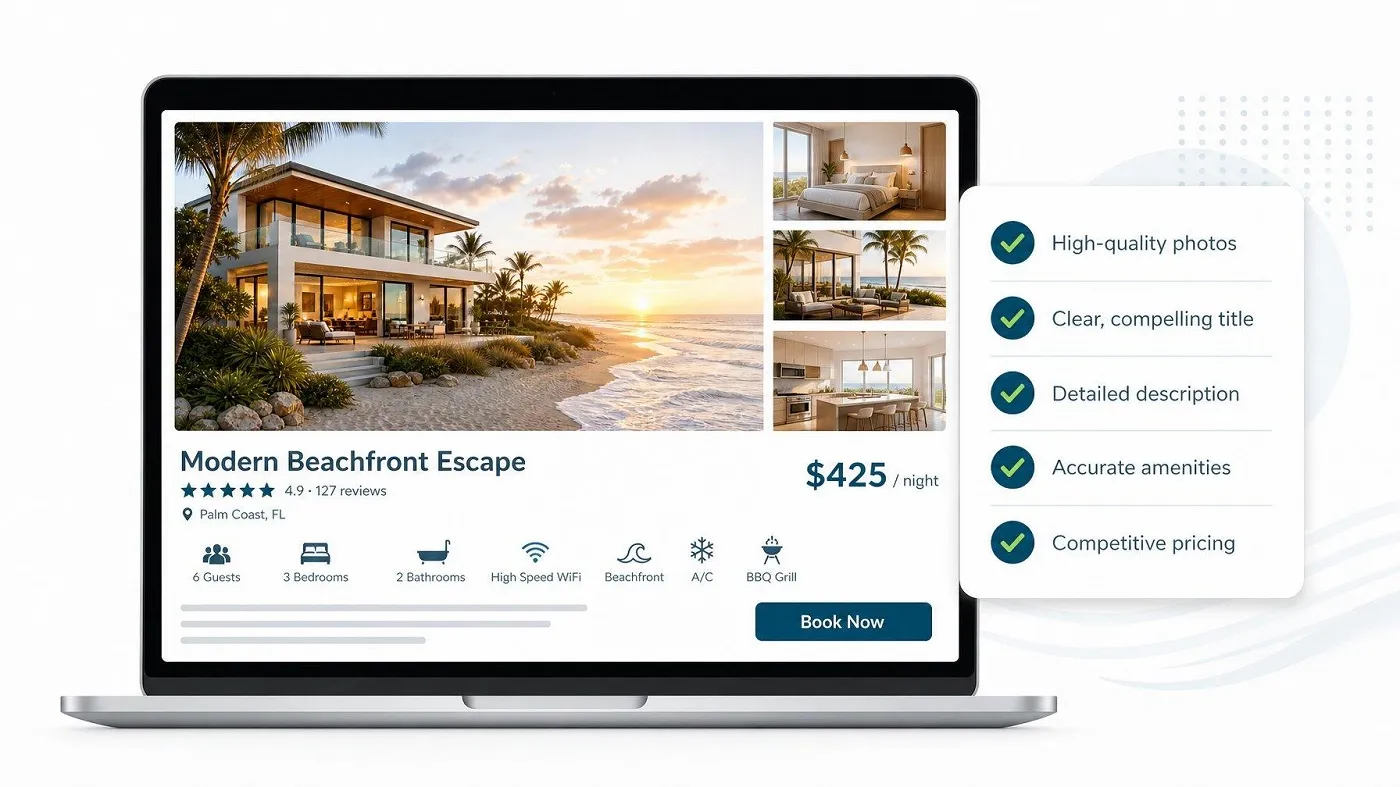
A listing is more than a description of a product or service. It is a conversion page. When visitors don’t book, the problem is often not demand—it is uncertainty, poor presentation, or missing information.
Here are 10 listing improvements that can have a measurable impact on bookings.
1. Replace Generic Titles With Specific Ones
A title should immediately communicate what makes the offering valuable.
Instead of “Beautiful Apartment,” use a title such as “Modern 2-Bedroom Apartment Near Downtown.”
Specificity improves both customer understanding and search relevance.
2. Put the Strongest Image First
The first image creates the initial impression. Use a bright, high-resolution image that clearly represents the experience customers are buying.
Avoid starting with logos, collages, or poorly lit photographs.
3. Sell the Benefit, Not Just the Feature
Don’t simply list features.
Instead of “Fast Wi-Fi,” explain the benefit: “High-speed Wi-Fi suitable for remote work and video calls.”
Customers make decisions based on outcomes, not specifications alone.
4. Answer Common Questions in the Description
Effective listings reduce the number of unanswered questions.
Cover important details such as:
- What’s included
- Location
- Availability
- Restrictions
- Check-in or delivery process
- Cancellation terms
- Additional costs
Less uncertainty generally means less hesitation.
5. Make Pricing Transparent
Unexpected fees can damage conversion and trust. Clearly communicate the base price and any additional charges before the customer reaches checkout.
Transparent pricing creates a smoother decision-making process.
6. Highlight the Differentiator
Every competitive listing needs a clear reason to choose it.
Ask: “Why should a customer book this listing instead of the next five results?”
Make that answer visible.
7. Use Reviews as Conversion Assets
Reviews provide social proof that your own marketing claims cannot replicate.
Encourage genuine customers to leave detailed feedback, particularly about the aspects that matter most to future buyers.
8. Improve Availability Accuracy
A customer who repeatedly encounters unavailable dates or outdated information is unlikely to return.
Keep calendars, inventory, pricing, and booking rules synchronized and current.
9. Respond Quickly
Fast responses can influence both customer confidence and conversion. Set internal response standards and use automated replies for common questions where appropriate.
10. Test Instead of Guessing
Don’t change everything at once. Test individual elements such as:
- Listing titles
- Main images
- Pricing presentation
- Descriptions
- Calls to action
Track impressions, listing views, inquiries, and completed bookings to identify what actually improves performance.